
 1
1Build your library
Sign in, add a Google Slides link or PDF, then attach the speaker notes you want available during the talk.
Stream your speaker notes and slide controls so you can maintain eye contact, present confidently, and never lose your place.
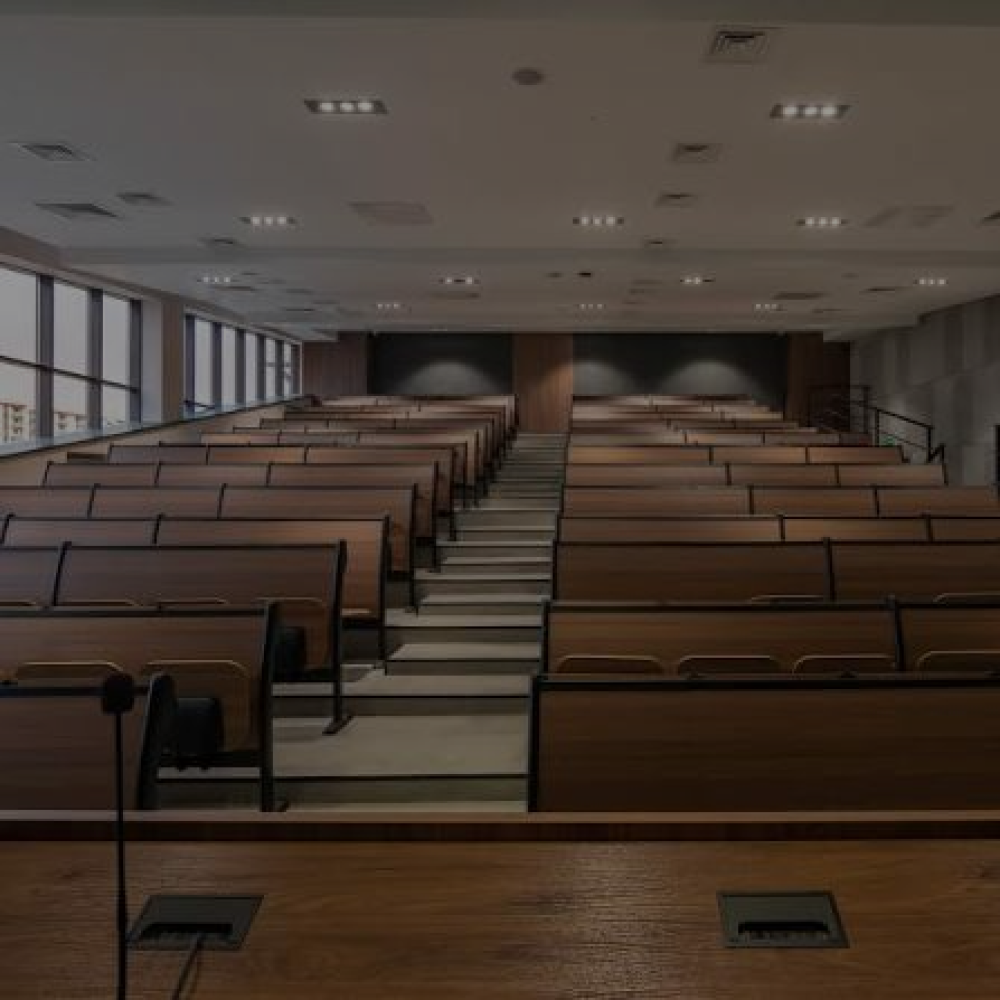
Slide 1. Welcome everyone, and thank you for joining us. Start with the reason this presentation matters, then pause long enough for the room to settle. Keep your pace natural and let the next cue arrive before you need it.
Pair once. After that, every presentation is only a few clicks away from your display.
1Sign in, add a Google Slides link or PDF, then attach the speaker notes you want available during the talk.
 2
2Copy the display link and open it in the browser on your Meta Ray-Ban Display. A short pairing code appears.
 3
3Enter the code in Cuelet, choose your deck, and send it to the display. Your slides and notes stay in sync.
Each part of Cuelet has one job: get your deck ready and keep you moving through it.
Keep Google Slides and PDF presentations organized in one reusable library.
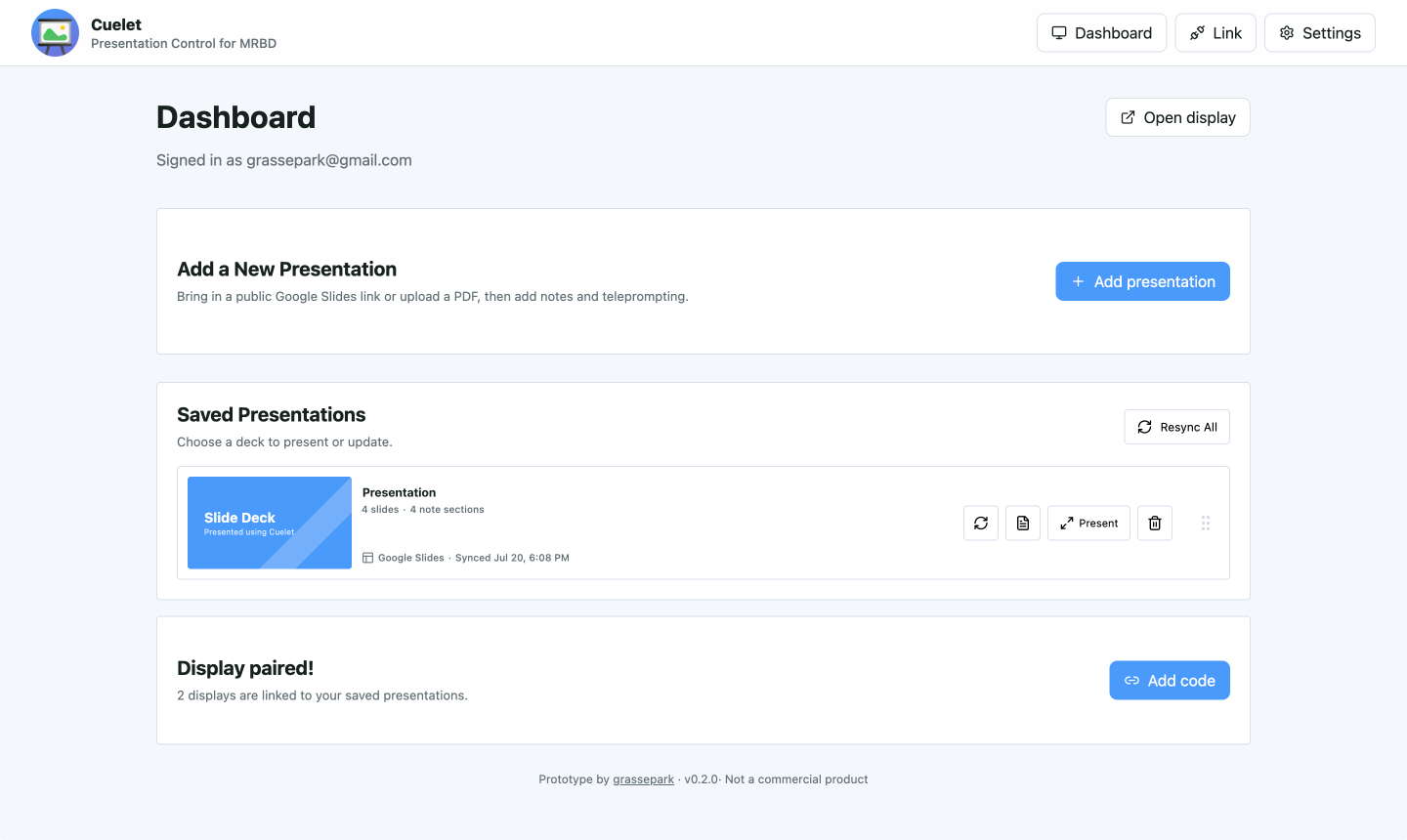
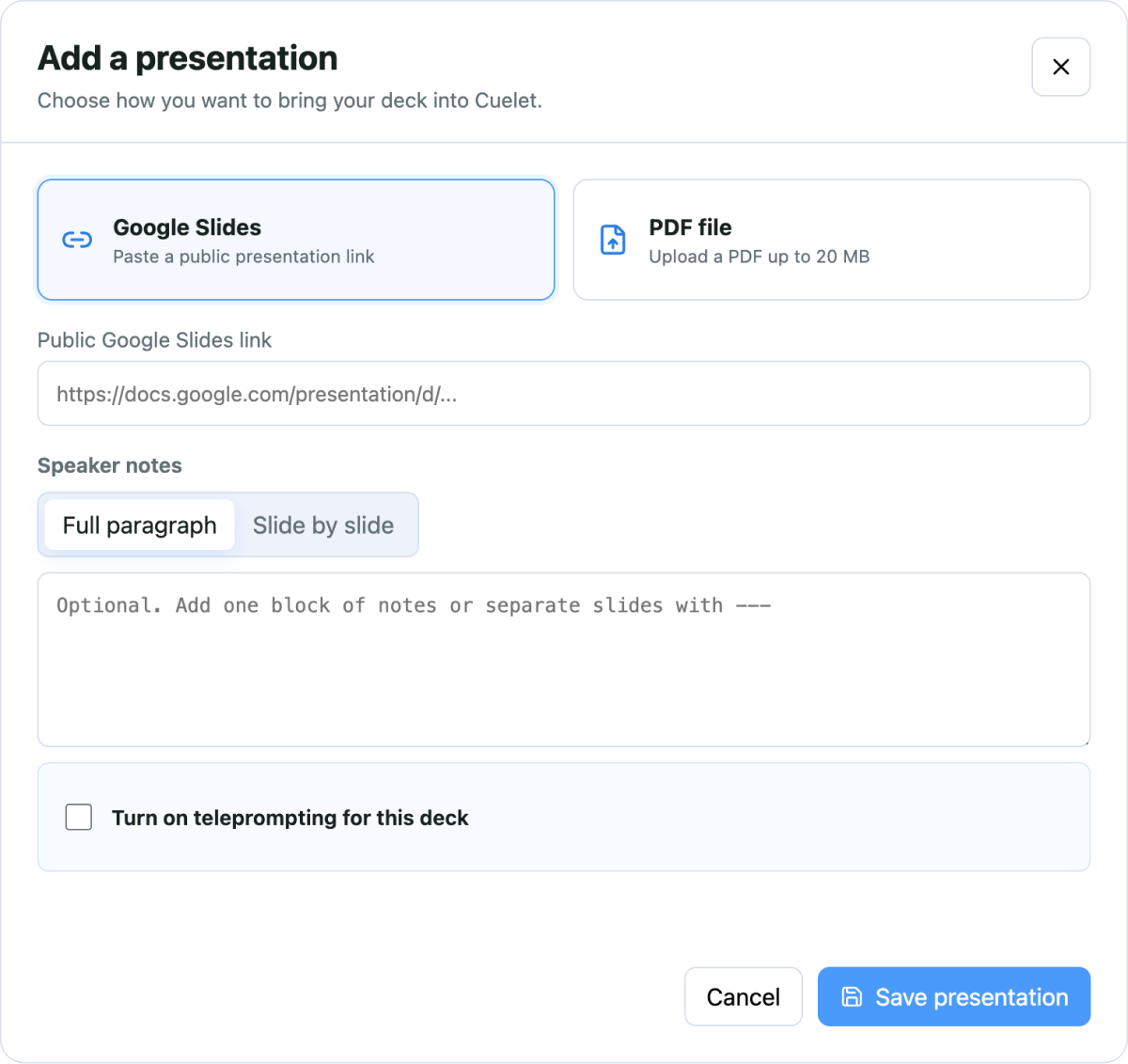
Add a deck, attach speaker notes, and choose teleprompting before you step into the room.
See the current slide, elapsed time, controls, and notes without breaking eye contact.
Advance from the dashboard or the display. Cuelet keeps both views on the same slide.
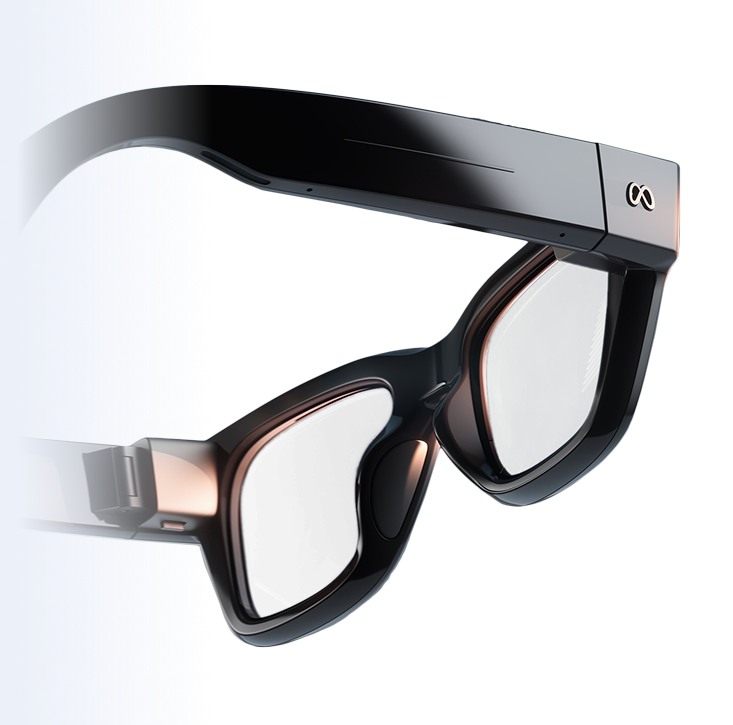 Dashboard and display synchronized on the same presentation
Bring your slides, speaker notes, and controls into view—and keep your attention on the people in the room.